How to add a link to your Pinterest profile
To add a website to your Pinterest profile on a computer, click the more-options icon at the bottom left, choose Settings, then Edit profile, and add your URL under Website. Click Save (or Done in the app). Pinterest gives your profile one website field, and your bio goes in About, up to 500 characters.
Add the link, step by step
- Log in to Pinterest on a computer.
- Click the more-options icon at the bottom left, then Settings.
- Click Edit profile.
- Under Website, add your link or edit the one that’s there.
- Write or update your bio under About, up to 500 characters.
- Click Save.
In the app, the path is similar and ends with Done. Business accounts have a slightly shorter route to the same screen. A public profile’s website is visible to anyone; a private profile is only visible to people you invite.
Every Pin can link somewhere too
Pinterest is different from most social apps: each Pin can carry its own destination link. Use Pins to send people to specific things, like a product, a recipe, or a blog post. Use the profile website for the one place that explains who you are and holds everything else.
Claiming your website is a separate setting for business accounts that adds analytics for Pins from your domain. It isn’t needed to show a link on your profile.
What the link should open
Pinterest visitors are browsing pictures. A page that leads with images and short captions feels like a continuation; a plain list of buttons feels like a dead end.
- Your name and a line about what you make or share.
- A few images of your best or newest work, each linked.
- Your shop or booking link, if you sell.
- Your other profiles and an email address.
The photographer portfolio examples show image-led pages that work well from Pinterest, and the Editorial template on SayHi is built around pictures with captions.
Mistakes to avoid
- Leaving the website empty and relying on Pins alone.
- An About section that’s a list of keywords instead of a sentence.
- Linking to a page with no images when your whole profile is visual.

Nia Voss
Identity, objects, and the rooms they occupy
Independent designer in Brooklyn. I make identities that can sit on a shelf as well as a screen — books, lamps, marks, and the paper they begin on.
Studio Voss
A small practice. Brand worlds, objects, and the analog studies that keep both from going glossy.
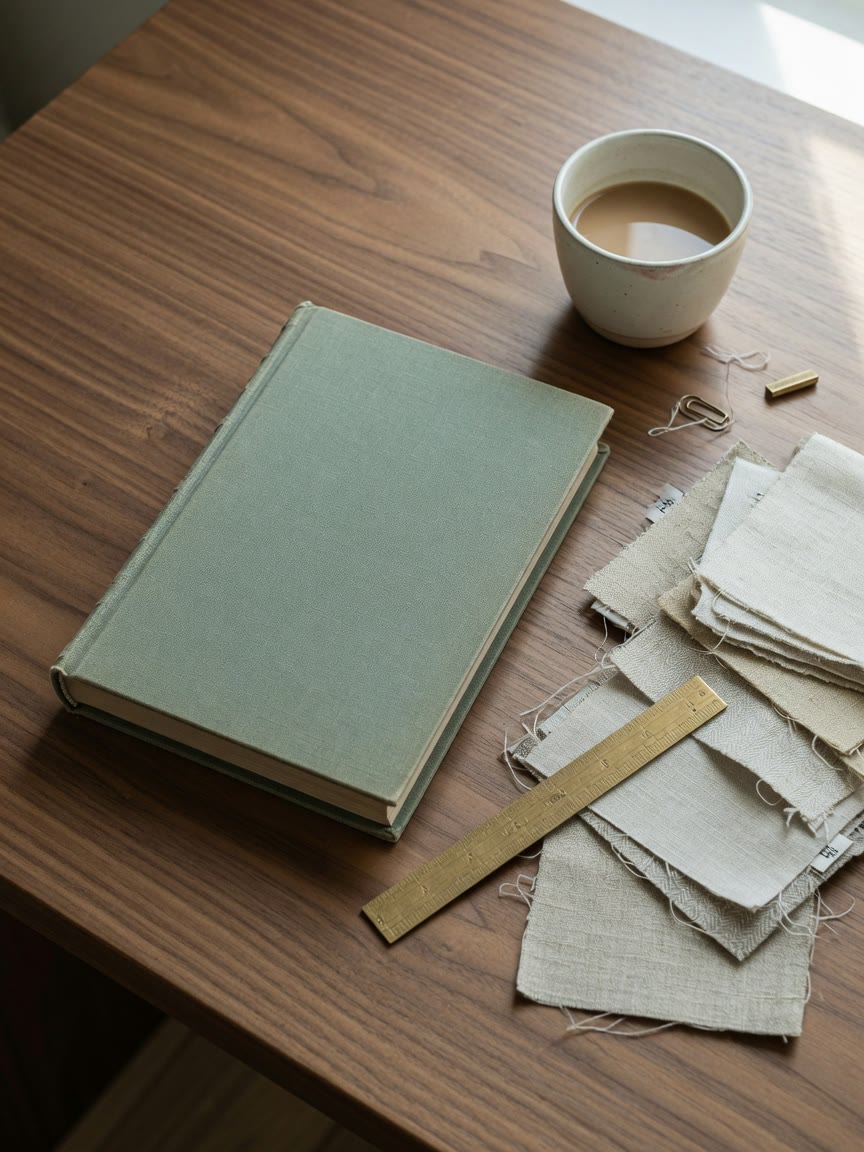
Atelier Lumen
2025
Identity and a cloth-bound brand book for a lighting studio that still pours plaster in-house.
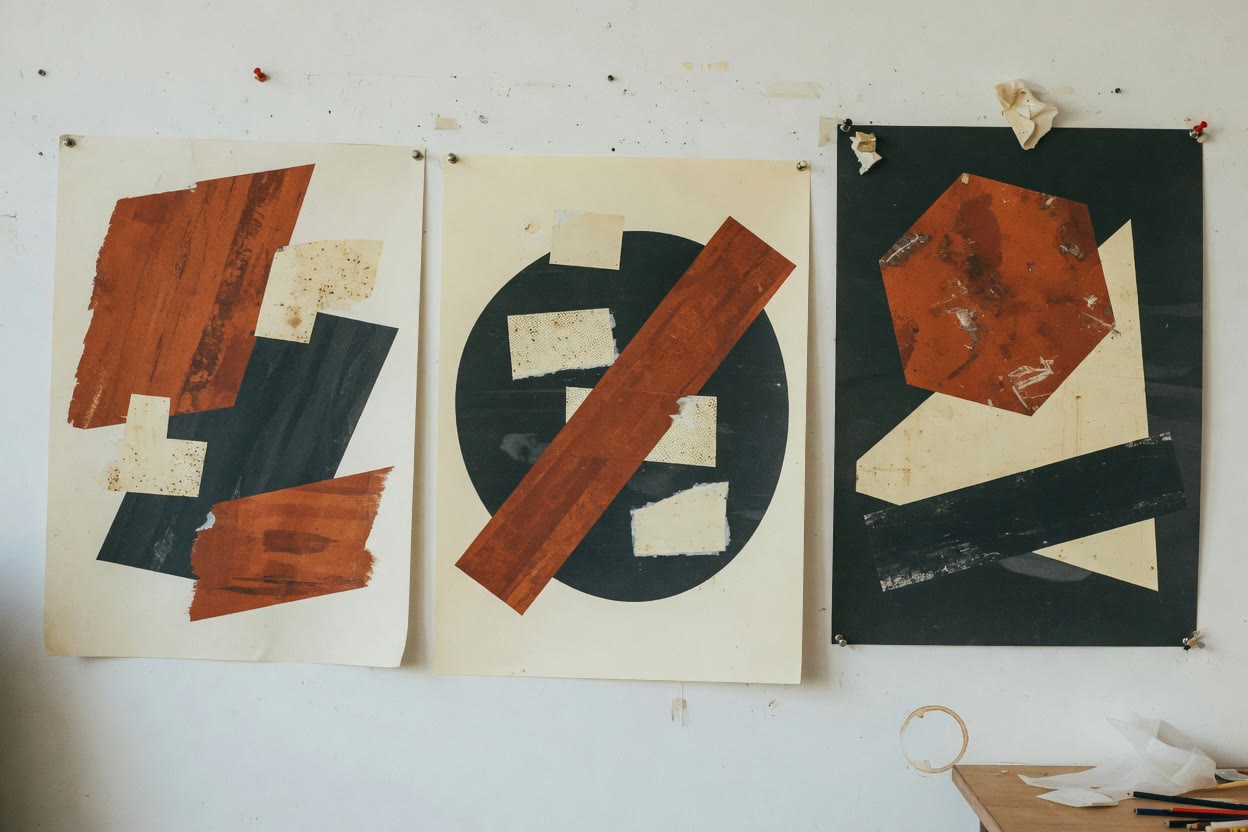
Civic Marks
2024
A poster series of rust, cream, and charcoal. No slogans. The shapes had to hold a wall on their own.
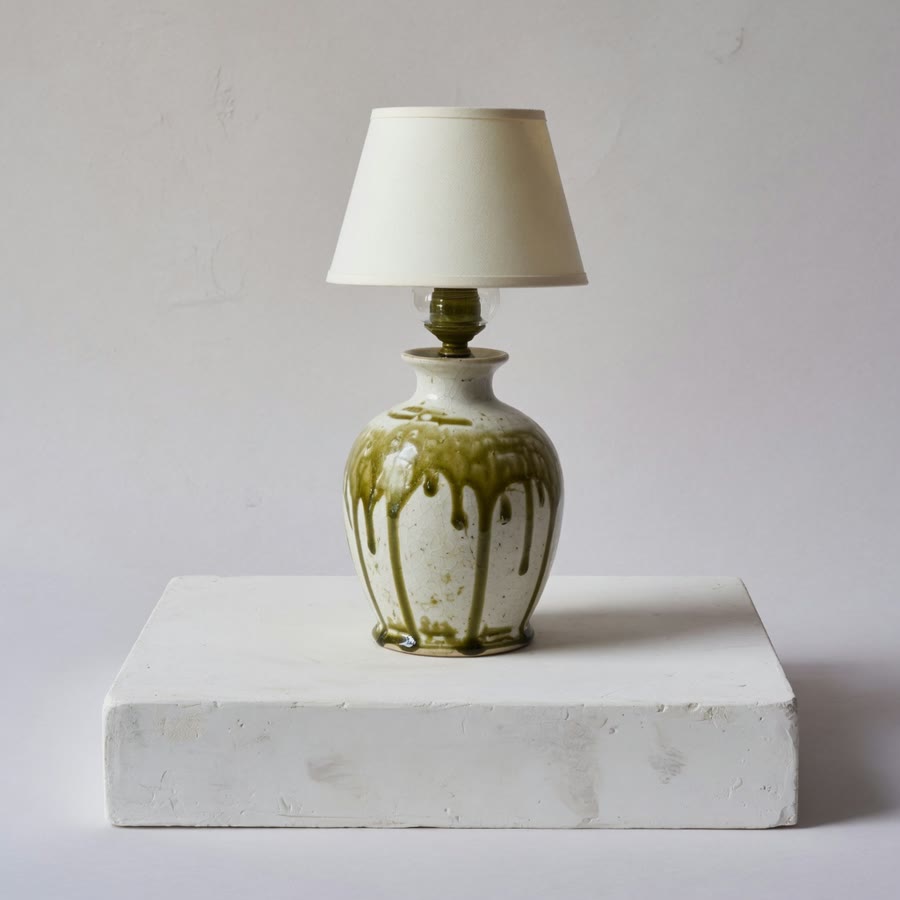
Lamp No. 4
2025
Bone glaze, olive foot, a shade that does not try to be a sculpture.
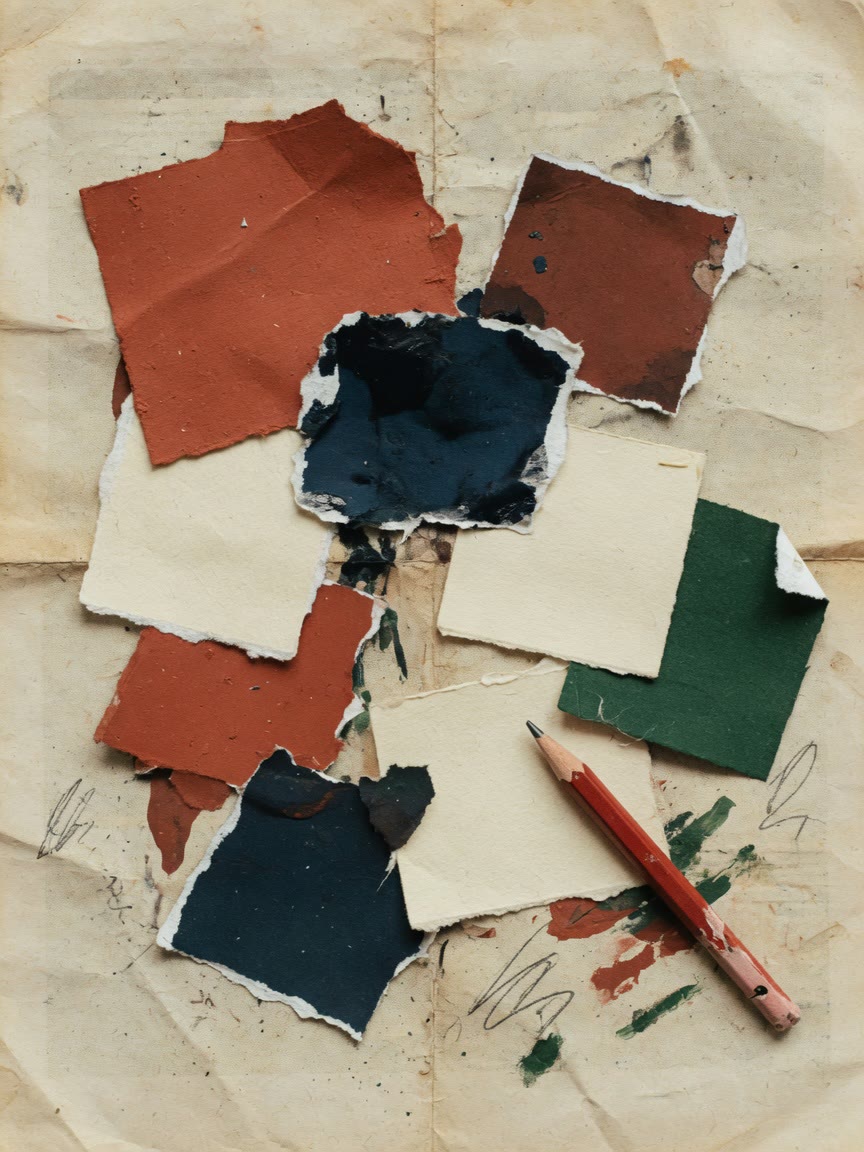
Try a picture-led layout with your own images and links. No account needed to start.
Questions
Can I add more than one website to Pinterest?
Your profile has one Website field. Each Pin can link to its own URL, so use Pins for specific pages and the profile website for your main page.
How long can a Pinterest bio be?
The About section holds up to 500 characters, according to Pinterest’s Edit your profile help article. Business accounts have the same limit.
Does SayHi create Pins?
No. Your SayHi page can be the website on your Pinterest profile, but it doesn’t publish Pins.
Sources
Platform details checked 22 October 2026. Menus change, so trust the labels in your app if they differ.