Nia Voss
Designers
A designer portfolio website should get to the work fast: four to six projects, a strong image for each, and one line on what the work did. On SayHi you can lay that out as a bento grid or a large-image portfolio and publish it free at sayhi.page/yourname.
Selected projects as a bento grid or large images, plus a way to start a project.
People came for the work. Show it before you explain the practice.
Example
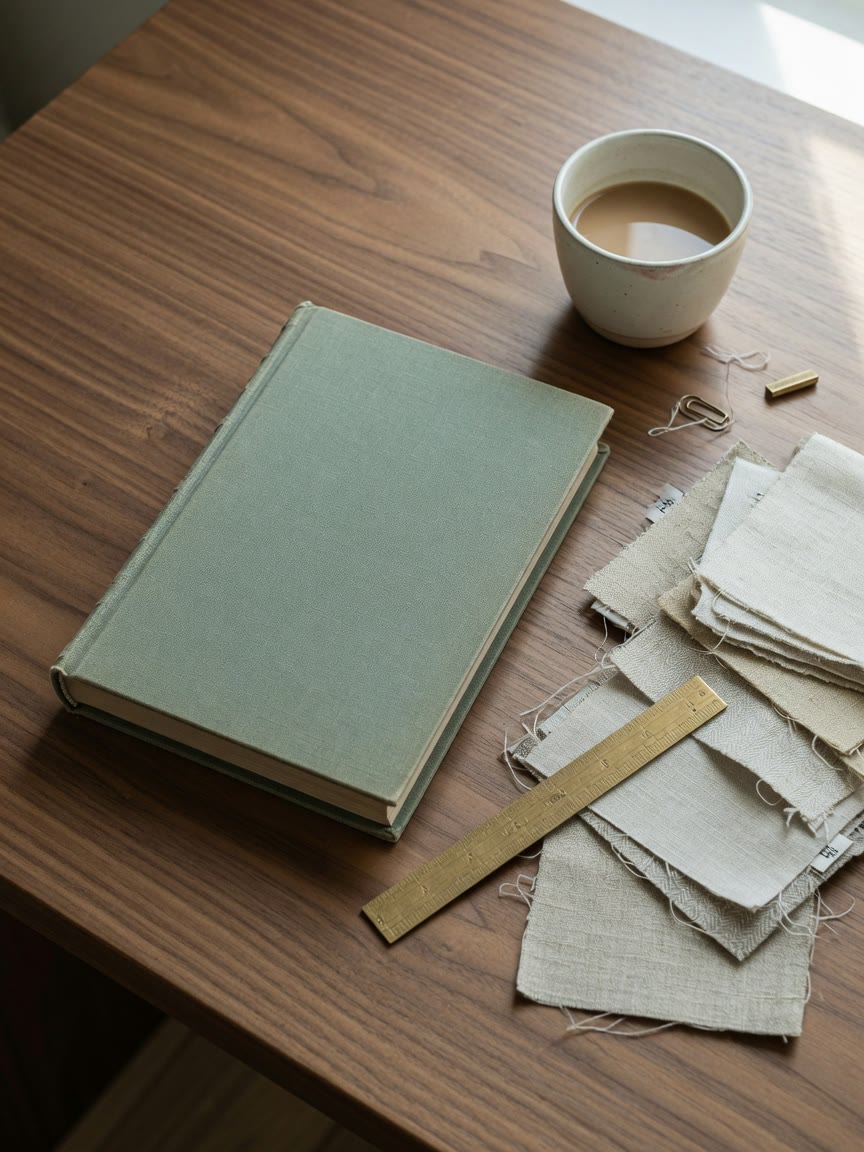
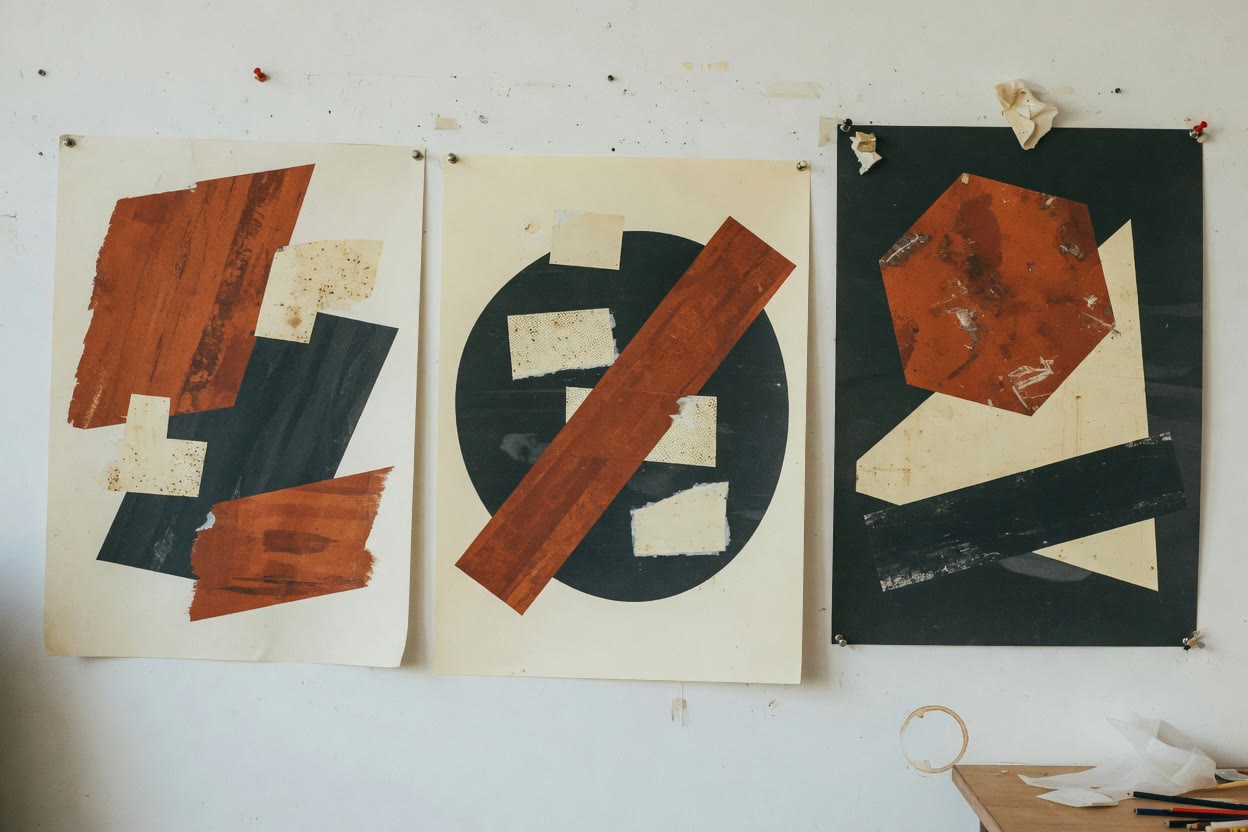
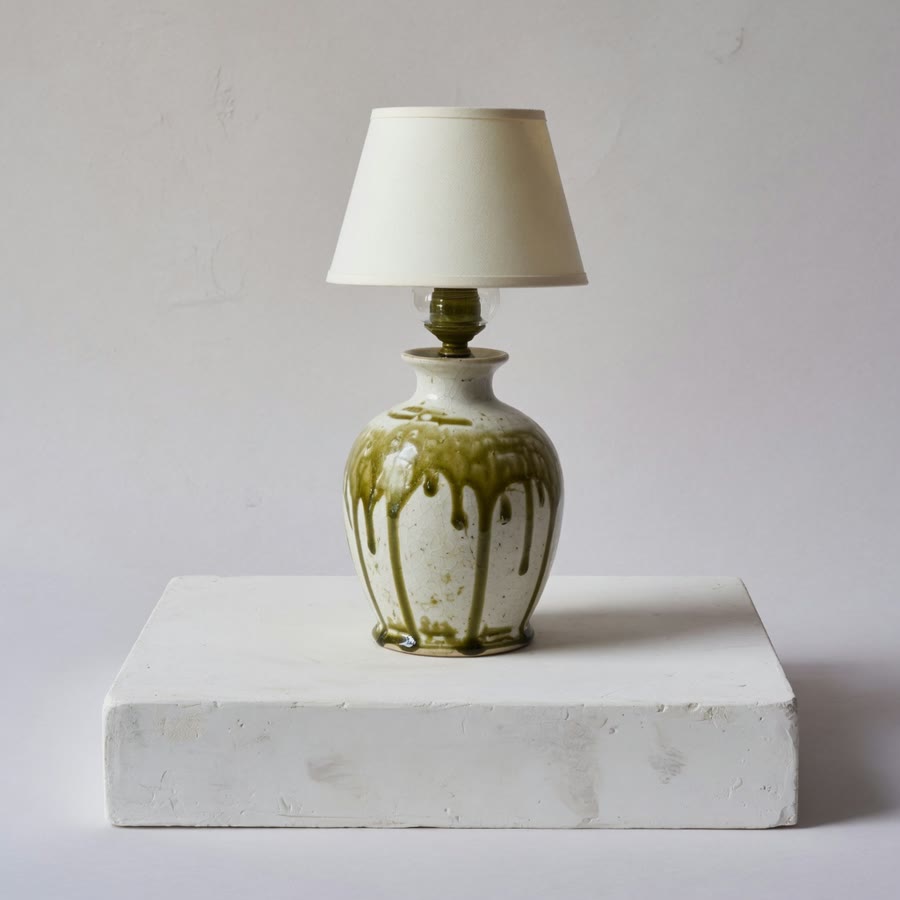
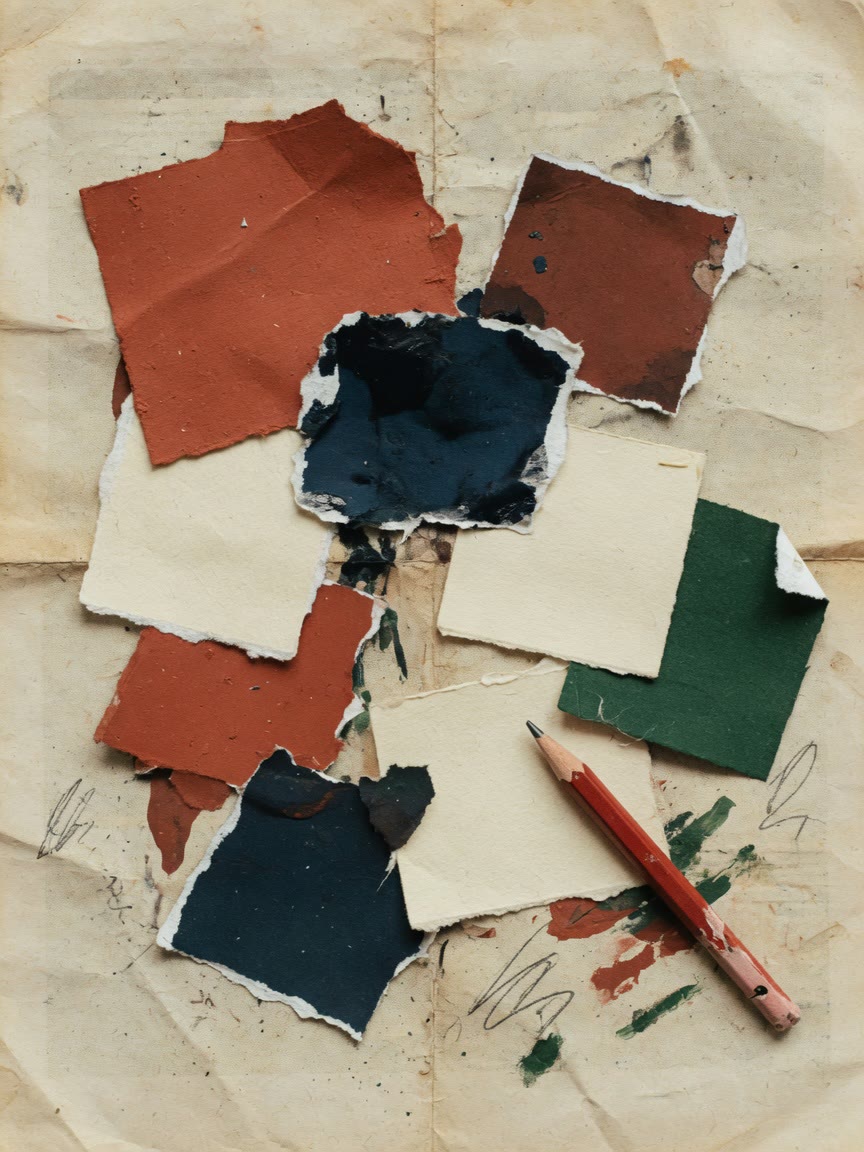
Nia is a demo independent designer who works on identities, print and objects. Her page uses the Bento template: a two-line studio statement, three projects in different card sizes (a brand book, a poster series and a ceramic lamp), a colour study, and an email link that says she takes one new identity at a time.
The grid works because her pieces are different shapes. The brand book gets a large card and the lamp a small one. If your work is mostly full-bleed images of a similar size, the Portfolio template will suit it better.
Small choices that make a design portfolio easier to judge.
The first card sets expectations. Put the kind of project you want to be hired for there.
“Identity and packaging for a plaster lighting studio” beats “branding, print, digital”.
Upload your stills in the editor and check that the subject still reads at phone width.
Anyone who wants the full story will ask, and that is the conversation you want.
Cards of different sizes on one surface. Good when your work is a mix of marks, objects, prints and words.
Images run large and the text steps back. Good when each project is best seen as a photograph.
Nia’s layout. Mix large and small cards on one grid.
Large images first, with short captions under them.
Read next: How to build a one-page portfolio, choosing and ordering the projects.
Bento if your pieces vary in shape, Portfolio if they are mostly images. You can switch later and keep your content.
Upload a cover image for each, then write the title, year and one sentence.
Sign in to publish at sayhi.page/yourname and add it to your Instagram bio, email signature and proposals.
Your SayHi page is a single page. Link each project card to a longer case study on Behance, Notion or your own site.
Upload them in the editor instead. Pages only show images uploaded to SayHi, so they load with the page and do not break when another site moves a file.
No. It suits anyone whose work comes in pieces of different sizes. Designers are just the most common fit.
A modular grid for projects, objects, and sentences on one personal page.
A one-page portfolio: large work, a short bio, and a URL for a bio or an email.
The same designer projects as a bento grid, then as large work.
Selected stills with captions, a short bio, and a way to send an enquiry.