Freelancers
A personal website for freelancers that wins the first email
A personal website for freelancers needs to say what you do, who you do it for, how a project usually starts and how to get in touch. That fits on one page. SayHi lets you build it free at sayhi.page/yourname and send the same link with every proposal.
What to put on a freelance website
A potential client wants to know if you are a fit and how to start. Answer both.
- What you do, in one sentenceSpecific enough that the right client recognises themselves. “Copywriter for architecture and design studios” works. “Creative solutions” does not.
- Who it is forThe kind of clients or projects you take. It filters out poor fits before they write.
- How a project startsA call, a small fixed first piece, a month of work. One short paragraph.
- ProofTwo or three projects, publications or client names you are allowed to share.
- AvailabilityA line like “Booking from April” saves everyone an email.
- ContactAn email link or the contact form. Add a link to your scheduler if you use one.
Example
Example: Elena Rossi’s page
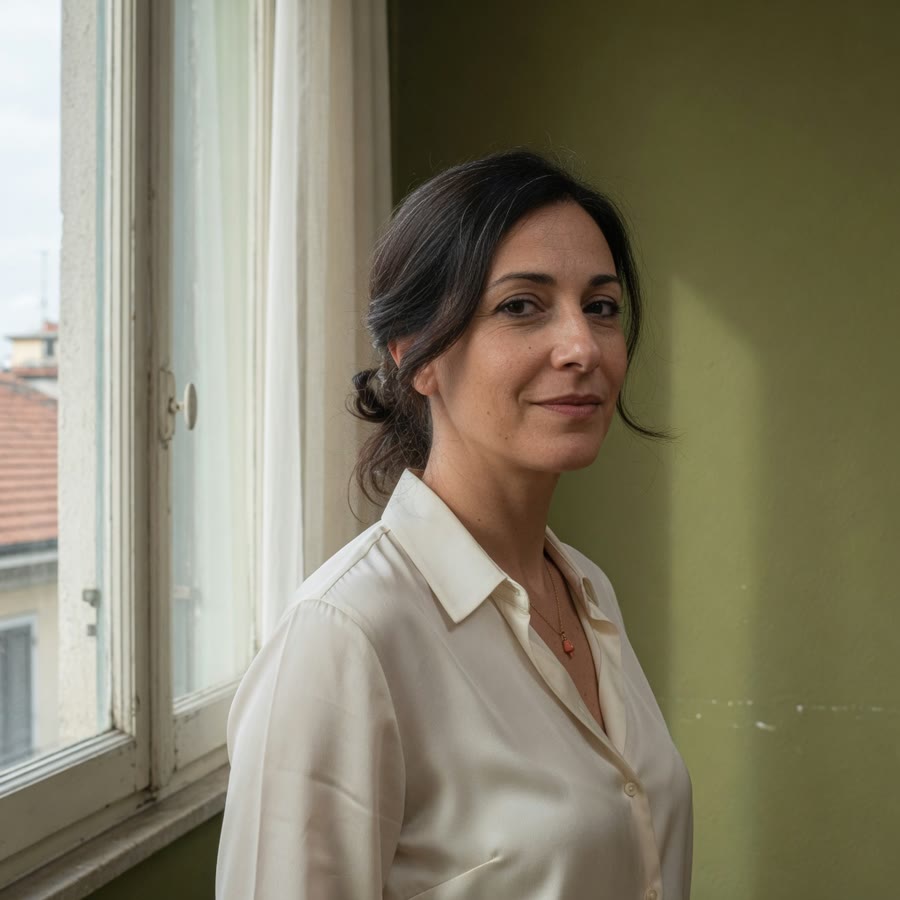
Elena is a demo writer and advisor who helps small studios explain their work. Her page uses the Elegant template and covers three things clearly: what she does, how an engagement begins (a month of interviews and editing), and how to write to her. The email link adds that she takes two new studios each season.
That last line does a lot of work. It sets expectations about capacity and makes the next email more likely to come from a good fit.
Mistakes freelancers make
Each one costs you enquiries from the clients you want.
Writing for everyone
If the description would fit any freelancer, it will persuade no one. Name the industry or the problem you solve.
Logos instead of examples
A row of client logos says little. One project with a sentence about the result says more.
No word on process
You do not need a rate card, but say how work is scoped. It shows you have done this before.
Burying the contact
Put it right after the proof, where a reader decides to get in touch.
Templates that fit
Elegant
Serif type, warm paper and careful labels. Elena’s page uses it.
Minimal
Plainer and quieter, for practices closer to writing or code.
Read next: Freelancer website examples, more ways to lay out a practice page.
Make your page
Write your one-liner
Before choosing colours, write the sentence you would say if someone asked what you do. Make it your headline.
Add proof and process
Two projects and a short paragraph on how you like to work.
Publish and send it
Sign in to publish at sayhi.page/yourname and add it to your email signature, LinkedIn and proposals.
Questions
Can clients book a call from the page?
Add a link to Calendly or whichever scheduler you already use. The built-in contact form collects a name, email and message.
Do I need a custom domain?
You can start without one: sayhi.page/yourname works on a business card today. Custom domains are planned for the Pro plan.
Should I list my rates?
That is up to you. Many freelancers give a starting price or a typical project size, which filters enquiries without locking in a quote.
Related pages
Personal website builder
One designed page for a personal homepage: bio, work, projects, and a URL.
Personal website examples
One-page personal sites: a developer, a designer, a photographer, and a freelancer.
How to make a personal website
One sentence, sayhi.page/yourname, a template, then swap the demo for your own work.
Portfolio builder
A one-page portfolio: large work, a short bio, and a URL for a bio or an email.